Privacy-first meetings, chat & webinars
Bring video meetings, team chat, and interactive webinars together in one integrated application. Nextcloud Talk keeps conversations and shared content under your control no data mining, no third-party tracking so teams can connect, coordinate, and present confidently across desktop and mobile.
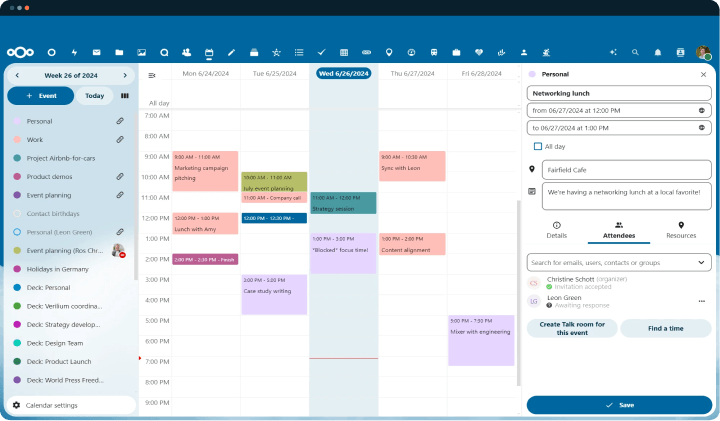
chat
calls
calls
Nextcloud Talk Empowers Secure Collaboration
Keep control of your data
Own your communication stack without vendor lock-in. Nextcloud Talk is open source, customizable, and easy to integrate ideal for on-premises or trusted private-cloud hosting.
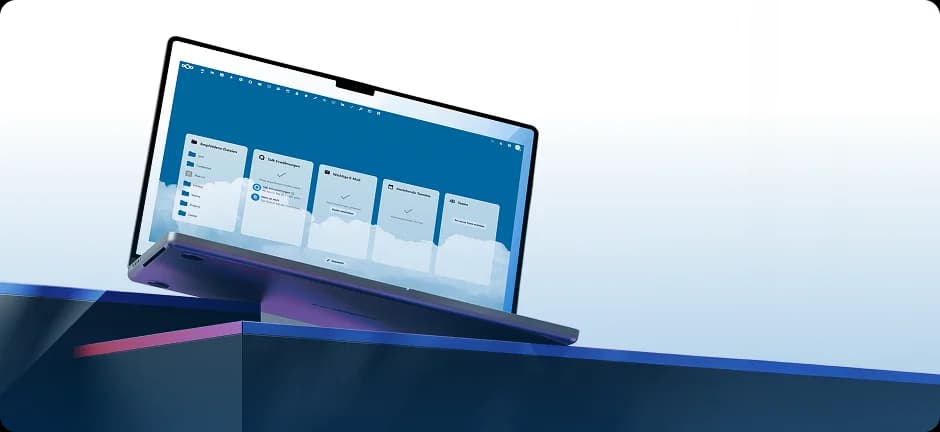
Digital sovereignty without lock-in


Digital sovereignty without lock-in
Keep control of your data
Own your communication stack without vendor lock-in. Nextcloud Talk is open source, customizable, and easy to integrate ideal for on-premises or trusted private-cloud hosting.
Nextcloud is known through




Lower the barriers to teamwork with anytime, anywhere communication

Thread-focused conversations
Keep discussions on track with thread view, which groups replies, preserves context, and makes it easy to jump back to the original message without distractions.
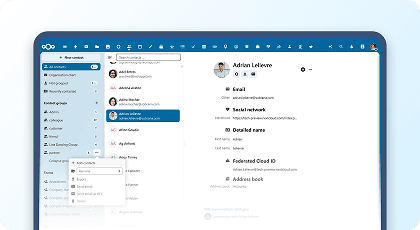
AI summaries for chats and calls
Catch up fast with concise overviews that highlight key points, decisions, and action items so you save time and never miss what matters.
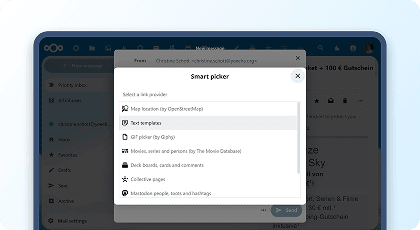
Simple, resilient calling
Assign direct extensions or numbers to every user for instant dialing; if someone’s unavailable, calls automatically forward to their designated backup.
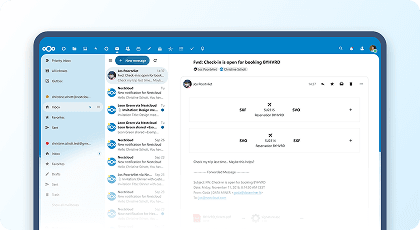
Your communications hub
Begin with a unified view of upcoming meetings, recent messages and mentions, plus reminders and launch chats or calls directly from the dashboard.
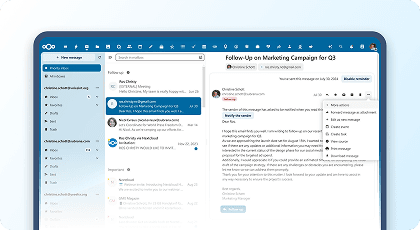
Secure View: Protect confidential shares
Use watermarks and view-only restrictions to block copying and downloads now available for all external shares in Nextcloud Talk.
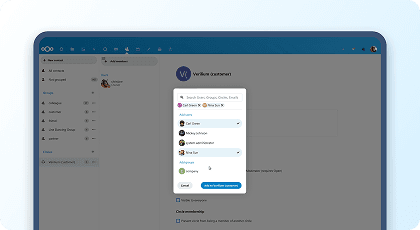
Federated chat and calls across servers
Join rooms on other Nextcloud servers and keep core features like mentions, markdown, polls, and cross-Hub meetings for partners and departments.
End-to-end encrypted calling
Safeguard sensitive conversations with E2EE for calls on the web and in the new desktop client.
Built for privacy and control
With web and mobile apps, optional read receipts, and security tailored for regulated environments. Nobody has access to your files, docs and emails.
Private, group, and public rooms
Invite customers or partners via link, keep chats open around calls, and set room visibility so teams and guests can find and join.
Collaboration inside Nextcloud
Share documents directly from Files into chat rooms and link projects with calendars, tasks, and other resources. A built-in sidebar lets teams chat or call without leaving their workspace.
Unified Management
Nextcloud Talk links chat, tasks, mail, and calendars for smooth coordination. Turn messages into tasks, attach files, and manage projects all without switching tools.
Cross-network communication
Connect Talk rooms with other networks like Teams, Slack, or Matrix. Send and receive messages across systems while keeping one central conversation hub.
Webinars and live presentations
Host webinars or share screens with full control over participants, permissions, and waiting lobbies. Moderators can spotlight speakers, manage questions, and keep sessions on track.
Verified access with video checks
Require a quick Talk video call to confirm identity before granting access to confidential files adding an extra layer of trust and compliance.
Thread-focused conversations
Keep discussions on track with thread view, which groups replies, preserves context, and makes it easy to jump back to the original message without distractions.
AI summaries for chats and calls
Catch up fast with concise overviews that highlight key points, decisions, and action items so you save time and never miss what matters.
Simple, resilient calling
Assign direct extensions or numbers to every user for instant dialing; if someone’s unavailable, calls automatically forward to their designated backup.
Your communications hub
Begin with a unified view of upcoming meetings, recent messages and mentions, plus reminders and launch chats or calls directly from the dashboard.
Secure View: Protect confidential shares
Use watermarks and view-only restrictions to block copying and downloads now available for all external shares in Nextcloud Talk.
Federated chat and calls across servers
Join rooms on other Nextcloud servers and keep core features like mentions, markdown, polls, and cross-Hub meetings for partners and departments.
End-to-end encrypted calling
Safeguard sensitive conversations with E2EE for calls on the web and in the new desktop client.
Built for privacy and control
With web and mobile apps, optional read receipts, and security tailored for regulated environments. Nobody has access to your files, docs and emails.
Private, group, and public rooms
Invite customers or partners via link, keep chats open around calls, and set room visibility so teams and guests can find and join.
Collaboration inside Nextcloud
Share documents directly from Files into chat rooms and link projects with calendars, tasks, and other resources. A built-in sidebar lets teams chat or call without leaving their workspace.
Unified Management
Nextcloud Talk links chat, tasks, mail, and calendars for smooth coordination. Turn messages into tasks, attach files, and manage projects all without switching tools.
Cross-network communication
Connect Talk rooms with other networks like Teams, Slack, or Matrix. Send and receive messages across systems while keeping one central conversation hub.
Webinars and live presentations
Host webinars or share screens with full control over participants, permissions, and waiting lobbies. Moderators can spotlight speakers, manage questions, and keep sessions on track.
Verified access with video checks
Require a quick Talk video call to confirm identity before granting access to confidential files adding an extra layer of trust and compliance.
Thread-focused conversations
Keep discussions on track with thread view, which groups replies, preserves context, and makes it easy to jump back to the original message without distractions.
AI summaries for chats and calls
Catch up fast with concise overviews that highlight key points, decisions, and action items so you save time and never miss what matters.
Simple, resilient calling
Assign direct extensions or numbers to every user for instant dialing; if someone’s unavailable, calls automatically forward to their designated backup.
Your communications hub
Begin with a unified view of upcoming meetings, recent messages and mentions, plus reminders and launch chats or calls directly from the dashboard.
Secure View: Protect confidential shares
Use watermarks and view-only restrictions to block copying and downloads now available for all external shares in Nextcloud Talk.
Federated chat and calls across servers
Join rooms on other Nextcloud servers and keep core features like mentions, markdown, polls, and cross-Hub meetings for partners and departments.
End-to-end encrypted calling
Safeguard sensitive conversations with E2EE for calls on the web and in the new desktop client.
Built for privacy and control
With web and mobile apps, optional read receipts, and security tailored for regulated environments. Nobody has access to your files, docs and emails.
Private, group, and public rooms
Invite customers or partners via link, keep chats open around calls, and set room visibility so teams and guests can find and join.
Collaboration inside Nextcloud
Share documents directly from Files into chat rooms and link projects with calendars, tasks, and other resources. A built-in sidebar lets teams chat or call without leaving their workspace.
Unified Management
Nextcloud Talk links chat, tasks, mail, and calendars for smooth coordination. Turn messages into tasks, attach files, and manage projects all without switching tools.
Cross-network communication
Connect Talk rooms with other networks like Teams, Slack, or Matrix. Send and receive messages across systems while keeping one central conversation hub.
Webinars and live presentations
Host webinars or share screens with full control over participants, permissions, and waiting lobbies. Moderators can spotlight speakers, manage questions, and keep sessions on track.
Verified access with video checks
Require a quick Talk video call to confirm identity before granting access to confidential files adding an extra layer of trust and compliance.
Nextcloud Talk: A platform you can trust
It goes further than encryption by preventing metadata exposure, keeping content and participant info in your hands. All collaboration lives in one app with full data ownership, and it’s deployable even in air-gapped setups.
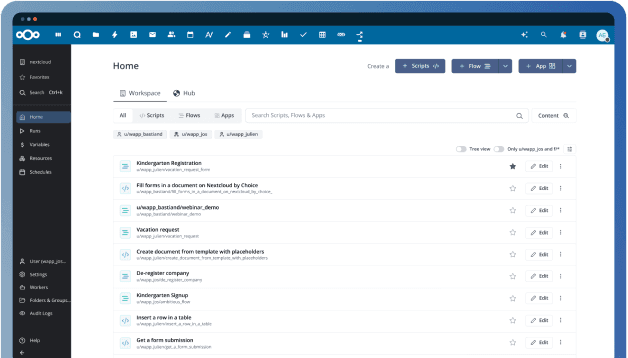
The Cloud Assistant That's Always One Step Ahead.
Built for GDPR, CCPA, and beyond
The GDPR holds organizations accountable for protecting user privacy and maintaining strong data security. Similar laws such as California’s CCPA extend these obligations beyond the EU. Nextcloud provides robust features and controls to support comprehensive GDPR compliance.
Compliance ready for EU ePrivacy
The EU ePrivacy Regulation complements the GDPR by ensuring confidentiality of all electronic communications and device data. Nextcloud is built to safeguard communication and support full ePrivacy compliance.
Bringing private hosted online office to everybody
Nextcloud Office is a full-featured online office suite with real-time co-editing. It handles all major document, spreadsheet, and presentation formats and runs in any modern browser. Built in partnership with Collabora Productivity.

Reach out directly at
Features
CloudBased Backup
All rights reserved.