Secure cloud storage for easy sharing and collaboration.
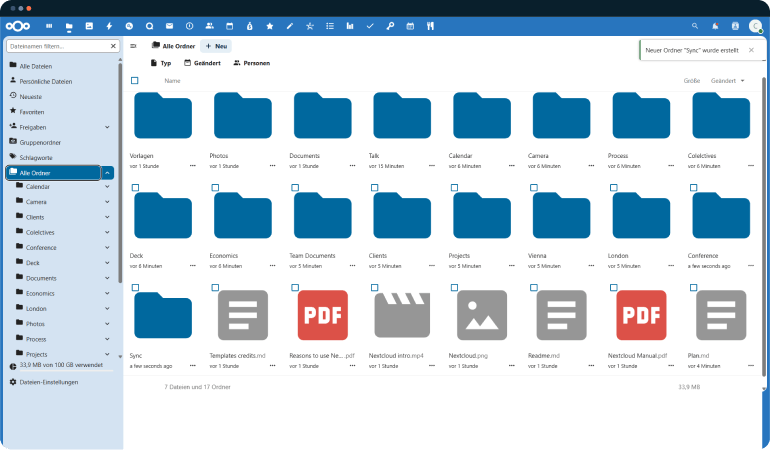
Nextcloud Files lets you store and share in your own cloud accessible anywhere, built for collaboration, with full data control and no third-party leakage.
Integration
Cloud
Storage
Why Nextcloud Files Is the Secure, Flexible Choice for Your Data
Your Files, Your Team, Your Devices
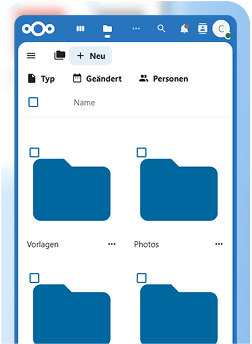
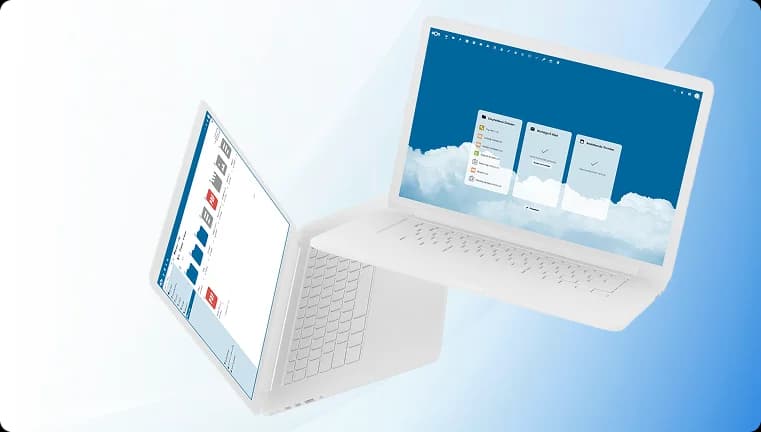
A modern and easy-to-use web interface, desktop clients and mobile apps. Real-time collaboration and instant access to all data from any device, anywhere!
Seamless Access to Your Files, Anytime and Anywhere


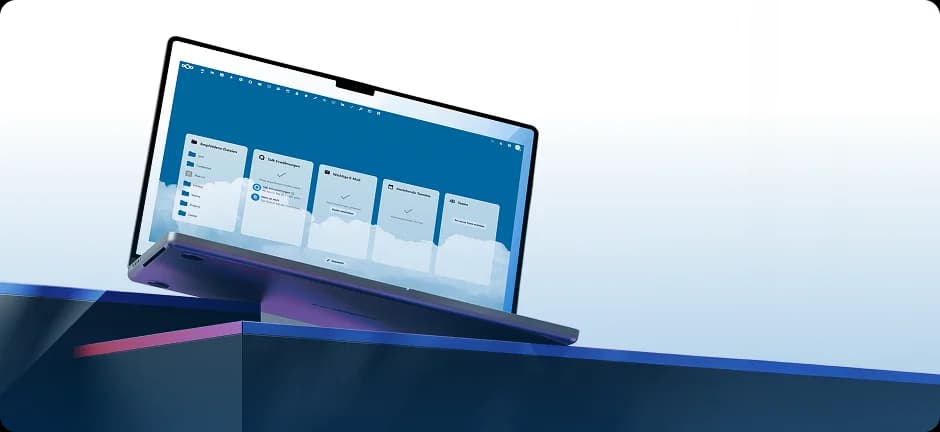
Seamless Access to Your Files, Anytime and Anywhere
Your Files, Your Team, Your Devices
A modern and easy-to-use web interface, desktop clients and mobile apps. Real-time collaboration and instant access to all data from any device, anywhere!
Nextcloud is known through





Enterprise-Grade Secure Cloud Storage and File Sharing
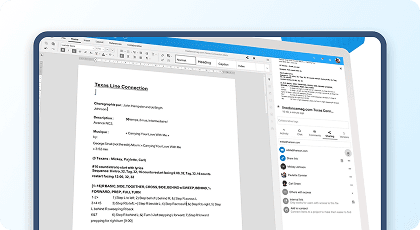
Seamless Collaboration
Nextcloud empowers teams to work productively anywhere, with a simple, consistent interface on mobile, web, and desktop and powerful integrated tools for document collaboration and communication.
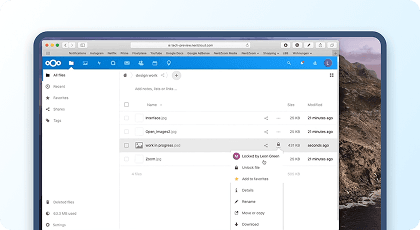
Prevent Editing Conflicts
File locking prevents conflicts when multiple people try to edit the same file. While office documents and notes can be edited together in real time in the browser, some file types must be downloaded before changes can be made.
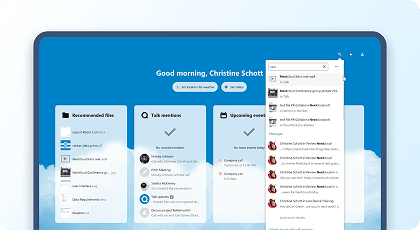
Everything in one Place
In the top-right of your Nextcloud window, the search icon delivers results from across your workspace. Add from 12+ search providers to find GitHub issues, Moodle courses, Jira tickets, and more right inside Nextcloud.
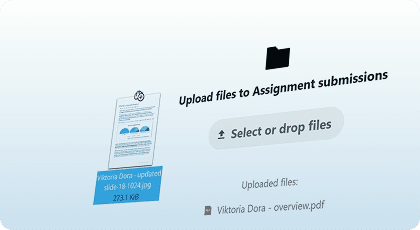
File Sharing Made Simple
With Nextcloud Files, hospitals, banks, notaries, and government agencies can safely send and receive files from customers, patients, clients, or partners protected by end-to-end encryption.
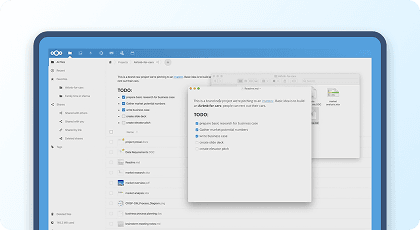
Rich Workspaces Organization
With Workspaces, every folder in Nextcloud gets context, add notes, to-do lists, and process descriptions so your team stays on the same page and your workflow stays organized.
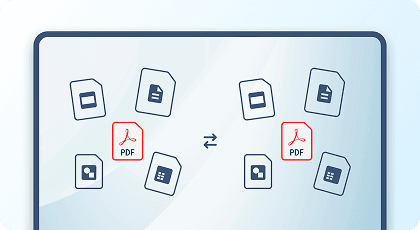
Easy File Conversion
Easily convert files without opening Nextcloud Office. Just export to another format directly from the context menu.
Seamless Collaboration
Nextcloud empowers teams to work productively anywhere, with a simple, consistent interface on mobile, web, and desktop and powerful integrated tools for document collaboration and communication.
Prevent Editing Conflicts
File locking prevents conflicts when multiple people try to edit the same file. While office documents and notes can be edited together in real time in the browser, some file types must be downloaded before changes can be made.
Everything in one Place
In the top-right of your Nextcloud window, the search icon delivers results from across your workspace. Add from 12+ search providers to find GitHub issues, Moodle courses, Jira tickets, and more right inside Nextcloud.
File Sharing Made Simple
With Nextcloud Files, hospitals, banks, notaries, and government agencies can safely send and receive files from customers, patients, clients, or partners protected by end-to-end encryption.
Rich Workspaces Organization
With Workspaces, every folder in Nextcloud gets context, add notes, to-do lists, and process descriptions so your team stays on the same page and your workflow stays organized.
Easy File Conversion
Easily convert files without opening Nextcloud Office. Just export to another format directly from the context menu.
Seamless Collaboration
Nextcloud empowers teams to work productively anywhere, with a simple, consistent interface on mobile, web, and desktop and powerful integrated tools for document collaboration and communication.
Prevent Editing Conflicts
File locking prevents conflicts when multiple people try to edit the same file. While office documents and notes can be edited together in real time in the browser, some file types must be downloaded before changes can be made.
Everything in one Place
In the top-right of your Nextcloud window, the search icon delivers results from across your workspace. Add from 12+ search providers to find GitHub issues, Moodle courses, Jira tickets, and more right inside Nextcloud.
File Sharing Made Simple
With Nextcloud Files, hospitals, banks, notaries, and government agencies can safely send and receive files from customers, patients, clients, or partners protected by end-to-end encryption.
Rich Workspaces Organization
With Workspaces, every folder in Nextcloud gets context, add notes, to-do lists, and process descriptions so your team stays on the same page and your workflow stays organized.
Easy File Conversion
Easily convert files without opening Nextcloud Office. Just export to another format directly from the context menu.
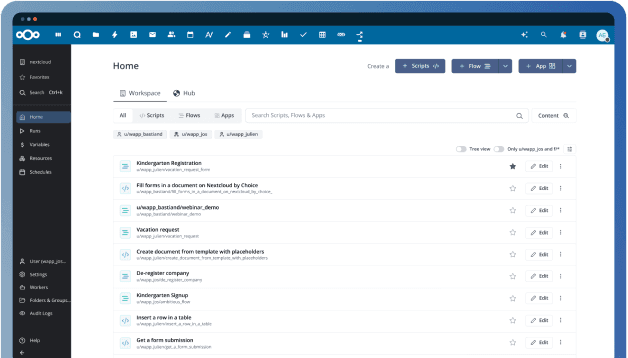
Intelligent workflows with Nextcloud Flow
Nextcloud Flow unites powerful Hub tools to automate processes across your organization, from the Open Collaboration Services API and Tables app to the workflow engine and new Windmill-based process automation.
Perfect for every Environment you need
Send secure emails, share Nextcloud links or large files, and create conference rooms thanks to seamless integration between Nextcloud and Microsoft Outlook.
Effortlessly synchronize Nextcloud calendars and contacts with Microsoft Exchange/365 or the other way around
Enhance collaboration by seamlessly sharing files and folders from your Nextcloud server directly within the Team's interface.
The WND & Sharepoint integration supports the use of SMB and Sharepoint as external storage solutions, giving users seamless access to data wherever it is.
The Active Directory integration allows integration with external user directories like LDAP, Active Directory or others as well as built-in account management, two-factor authentication and Single-sign-on support.
Secure cloud storage and file sharing for companies

Secure collaboration
Thanks to end-to-end encryption in the browser, all files remain protected at all times. Sensitive data can be shared and edited without risk.
Easy sharing & requests
Files and folders can be shared securely, including the option to make specific file requests. This makes collaboration with colleagues or external partners even easier.
File protection & control
File locks prevent content from being changed during editing. The integrated versioning feature also allows older file versions to be restored.
Teamwork made easy
Circles and team folders provide a clear structure for organizing projects. Teams can collaborate efficiently and manage content in one central location.
Flexible access rights
Permissions can be controlled flexibly. Links can also be provided with expiration dates or enhanced protection, while ownership can be transferred if necessary.
Seamless synchronization
Whether on your desktop or mobile device, your files are always up to date. Automatic synchronization ensures that everyone has access to the latest version.
Smart integration
Integration with Outlook, SharePoint, Teams, Slack, and Office applications makes work even more efficient without any media breaks or detours.
Efficient organization
Intelligent tagging, filtering, and smart picker links make it easier to find and organize files and use them for automated workflows.
Secure collaboration
Thanks to end-to-end encryption in the browser, all files remain protected at all times. Sensitive data can be shared and edited without risk.
Easy sharing & requests
Files and folders can be shared securely, including the option to make specific file requests. This makes collaboration with colleagues or external partners even easier.
File protection & control
File locks prevent content from being changed during editing. The integrated versioning feature also allows older file versions to be restored.
Teamwork made easy
Circles and team folders provide a clear structure for organizing projects. Teams can collaborate efficiently and manage content in one central location.
Flexible access rights
Permissions can be controlled flexibly. Links can also be provided with expiration dates or enhanced protection, while ownership can be transferred if necessary.
Seamless synchronization
Whether on your desktop or mobile device, your files are always up to date. Automatic synchronization ensures that everyone has access to the latest version.
Smart integration
Integration with Outlook, SharePoint, Teams, Slack, and Office applications makes work even more efficient without any media breaks or detours.
Efficient organization
Intelligent tagging, filtering, and smart picker links make it easier to find and organize files and use them for automated workflows.
Secure collaboration
Thanks to end-to-end encryption in the browser, all files remain protected at all times. Sensitive data can be shared and edited without risk.
Easy sharing & requests
Files and folders can be shared securely, including the option to make specific file requests. This makes collaboration with colleagues or external partners even easier.
File protection & control
File locks prevent content from being changed during editing. The integrated versioning feature also allows older file versions to be restored.
Teamwork made easy
Circles and team folders provide a clear structure for organizing projects. Teams can collaborate efficiently and manage content in one central location.
Flexible access rights
Permissions can be controlled flexibly. Links can also be provided with expiration dates or enhanced protection, while ownership can be transferred if necessary.
Seamless synchronization
Whether on your desktop or mobile device, your files are always up to date. Automatic synchronization ensures that everyone has access to the latest version.
Smart integration
Integration with Outlook, SharePoint, Teams, Slack, and Office applications makes work even more efficient without any media breaks or detours.
Efficient organization
Intelligent tagging, filtering, and smart picker links make it easier to find and organize files and use them for automated workflows.
The Cloud Assistant That's Always One Step Ahead.
Integrates Calendar, Contacts, Mail and other Features
Nextcloud Groupware offers easy-to-use web mail, calendaring and contacts that helps your team get things done quicker and easier, integrated with Nextcloud Files.

Reach out directly at
Features
CloudBased Backup
All rights reserved.